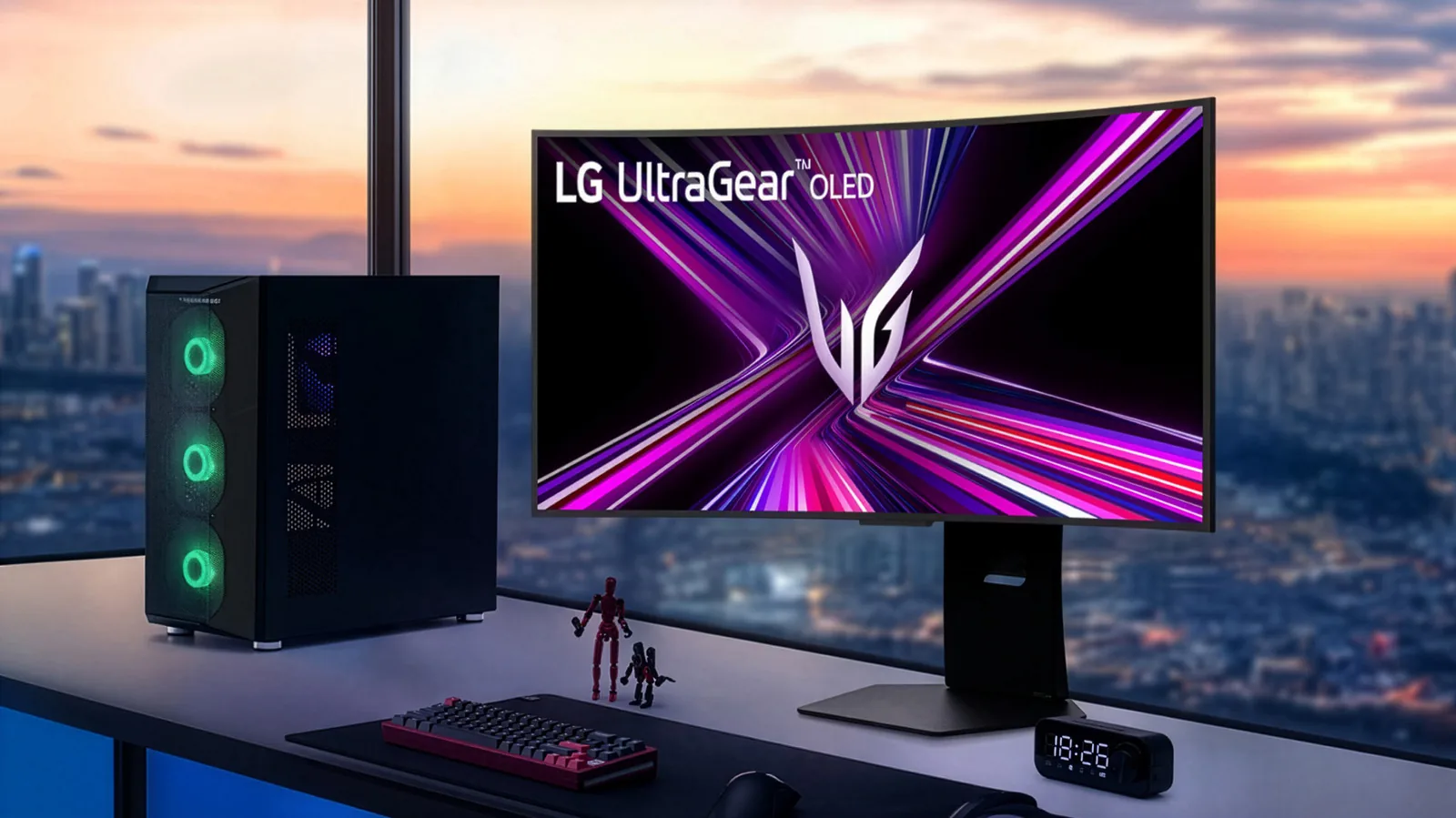
LG promises to stop McAfee spam ads following pressure from Microsoft Users started noticing the issue last week after an automatic Windows Update patch. Following a Windows 11 user outcry and pressure from Microsoft, LG has agreed to stop showing McAfee pop-up spam downloaded from its monitors, Windows Chief Pavan Davuluri said in a post on X. LG's actions came to light earlier this week after some Windows 11 users noticed that their LG monitors had silently added an app to their PC through an automatic Windows Update patch, then started pushing ads for McAfee and other products via desktop pop-ups.
"We've connected with the team at LG and as an immediate next step, they have agreed to disable the McAfee pop-up from their app," Davuluri said. "We appreciate LG working with us toward a shared goal of a better experience for our mutual customers. We will keep improving here with our ecosystem partners." The issue occurred with newer monitors and even some dating back to 2024, according to Ars Technica.
When connected to a Windows 11 machine, the monitors surreptitiously snuck in the "LG Monitor App Installer" without requesting permission from the end-user. That app in turn could then spam your machine with unwanted ads. LG weakly defended itself to Windows Latest, saying that the LG Monitor App Installer doesn't install McAfee automatically and would never install it without user consent.
It added that the "LG Monitor App Installer is distributed through Microsoft's official Windows distribution process, which included McAfee as an option." However, the company failed to explain why it installed its own ad-pushing app without user permission. Spam apps, many that can pose security risks, are often installed on PCs without user permission. Given recent user complaints about Windows 11, one may wonder what Microsoft plans to do about the problem.
After a $1,200 monitor with the issue was highlighted by Gamers Nexus, it fell to a single star rating on LG's site was discounted by nearly half. If you find you have the LG Monitor App Installer on your PC, go to Settings, Apps and Installed apps, then search for and uninstall it.





Comentários (0)
Entre ou cadastre-se para comentar.